Case study / 21
Speechify.
Web UI and editorial artwork that make a text-to-speech product easier to understand and explore.
01 / The brief
Make listening easier to see.
Speechify turns written content into audio. Its Getting Started brief called for friendly, practical visuals that would help people understand the app and recognise where it fits into everyday life.
The audience included students, professionals, teachers, parents and people with different reading needs. The goal was clearer product understanding: explain the features, make their value tangible and give prospective users a reason to try them.
The work brings together product-education artwork with editorial and Careers page designs. A shared visual language connects these distinct parts of the brand experience.
- Role
- Web UI · Visual design · Art direction
- Scope
- Blog listing and article designs · Desktop and mobile Careers designs · Product-education artwork
- Credits
- Web and visual design: Hazhin Roshanysefat. Speechify brand, product screens, photography and editorial copy form the project context.
02 / Product education
Turn a feature into a clear idea.
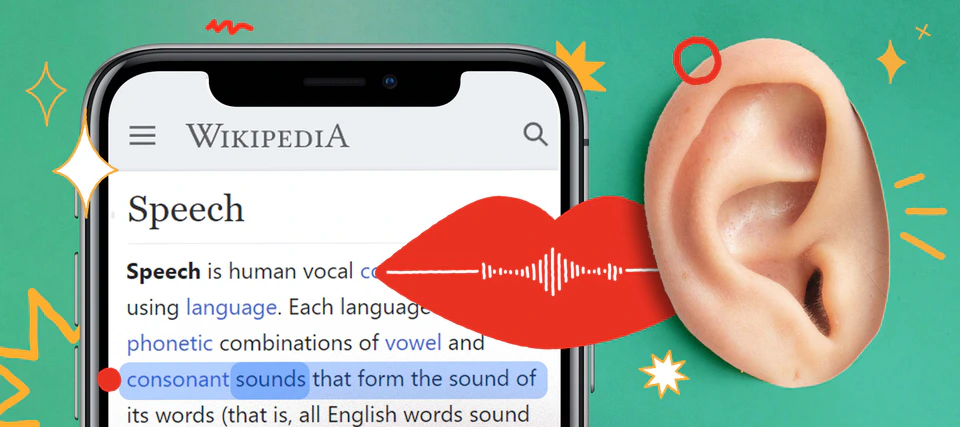
A highlighted passage, a mouth and an ear make the text-to-speech proposition visible in one composition. The phone grounds the idea in the product; the collage gives an invisible process a human reference.
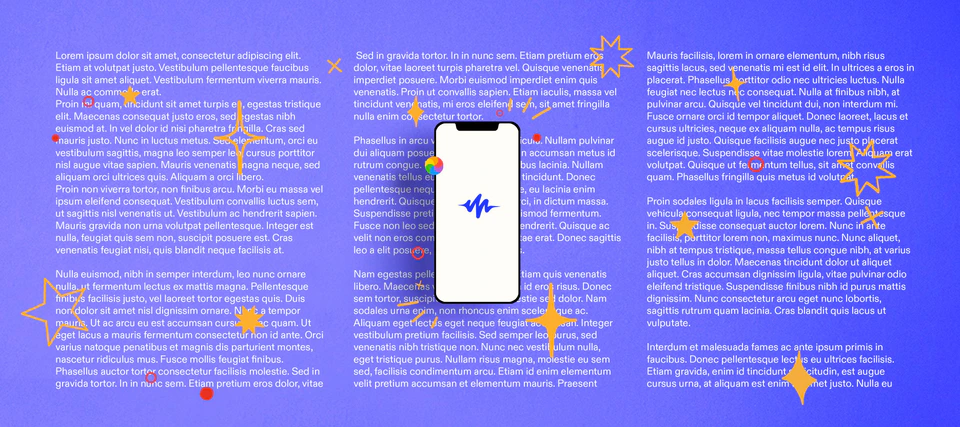
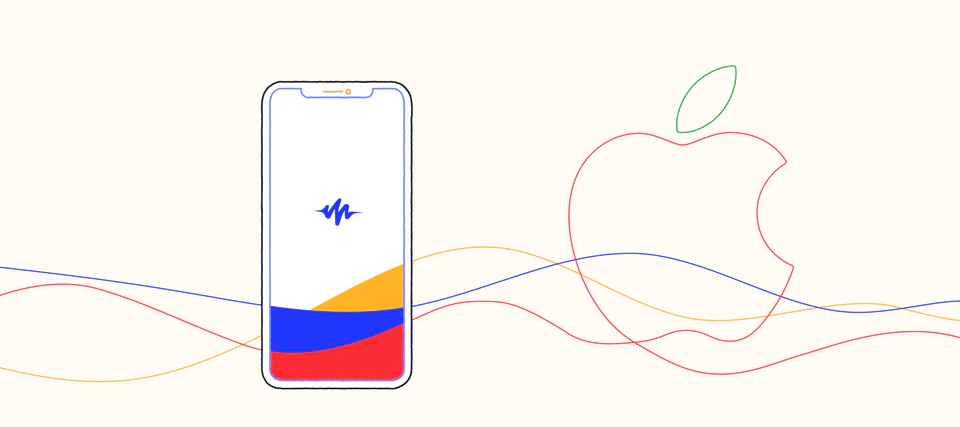
Other directions use flowing lines, a simple phone outline and the Speechify signature to introduce listening on iOS. Blue, red and yellow provide continuity across expressive and more restrained compositions.
The brief anticipated reuse across social, web and email. A recognisable visual vocabulary gives the content room to vary while retaining its connection to the product.
03 / Editorial web UI
Help readers find their next idea.
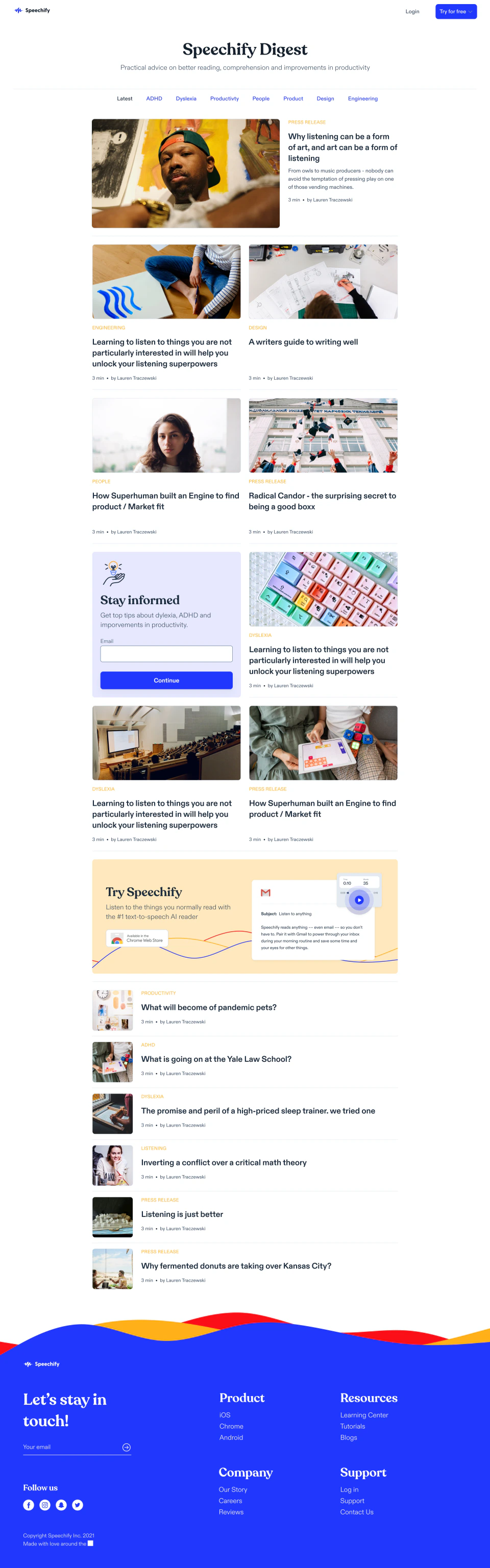
The Speechify Digest design gives different types of content a clear place: a featured story, topic navigation, article cards and a compact list for further reading. Category labels and consistent metadata make the page easier to scan.
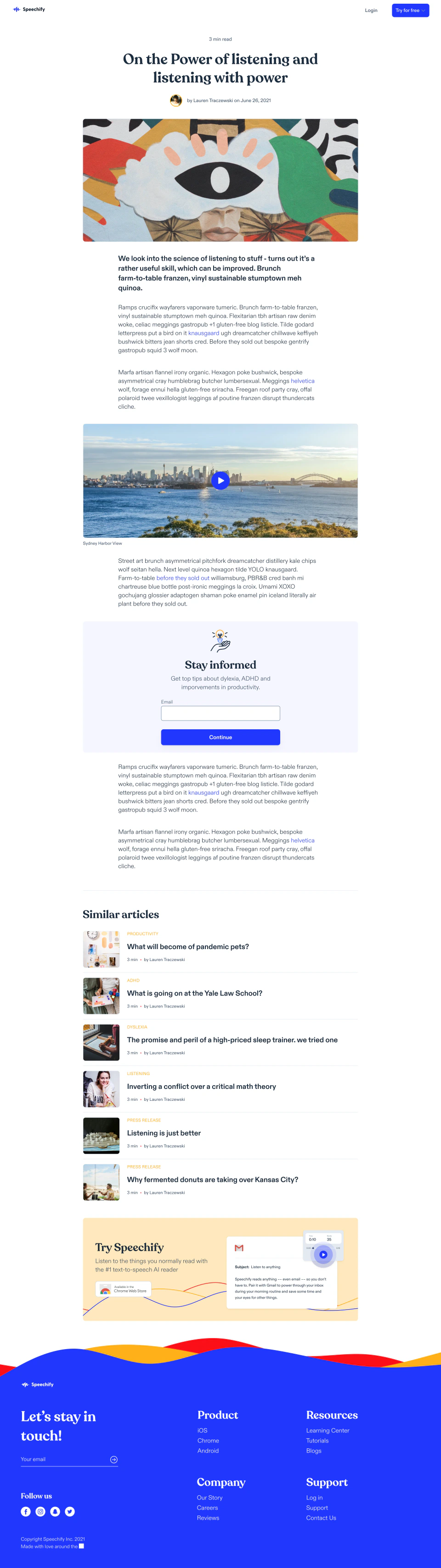
The article template shifts attention to the reading experience. A focused text column, room for imagery and video, and related stories create a path through longer content. Newsletter and product prompts extend that journey into a next step.
04 / Responsive Careers UI
Make the company as clear as the product.
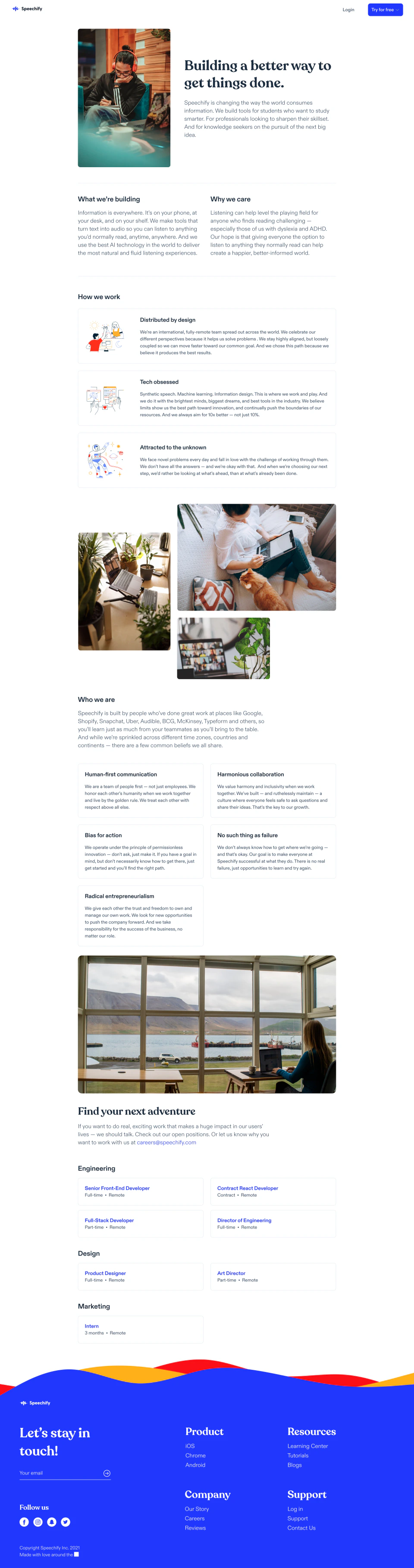
The Careers design moves from purpose to working culture, shared values and open roles. Photography gives the company a human presence, while grouped job cards make opportunities easy to locate.
On mobile, the same story becomes a single reading sequence. Content stacks, images move into the flow and job listings stay grouped by discipline. The desktop and mobile studies show how the hierarchy adapts to the available space.
05 / Design contribution
One brand, several useful conversations.
The artwork explains the product, the editorial pages organise its ideas, and the Careers designs introduce the people and culture behind it. Each needs a different emphasis while remaining recognisably Speechify.
The portfolio evidence is the design itself: product-education concepts, blog listing and article layouts, and desktop and mobile Careers studies. Together, they show how visual communication and interface hierarchy can support understanding across a brand’s web presence.